Help · Guide 1 of 20
Signing in for the first time
Getting from your invite email to your CoachLens dashboard. You only ever do this once.
- About 3 minutes
- You'll need: your invite email
Find your invite email
Your organization sends you an invite from noreply@coachlens.coach, with a subject line naming the organization inviting you. If it isn't in your inbox, check your spam or junk folder before anything else — first-time senders often land there, and this is by far the most common reason people can't get started.
Open it and click the link inside.
Confirm who you are
The link opens a page naming the organization you've been invited to join, with fields for your email address and a new password. Fill them in and continue.
Confirm your email address
CoachLens sends a second email to confirm your address. Click the link in it and you'll land on a near-empty page with a single button in the middle, asking you to confirm.
Click the button. Nothing happens until you do.
This surprises people, because most confirmation links just work on their own. This one deliberately doesn't. Some email systems follow every link in a message automatically while scanning it for security, and that used to spend your one-time confirmation link before you ever opened the email. Putting a button on the page means only a real person can finish the job. If you land there and think the page hasn't loaded properly — it has. Press the button.
You're in
You'll land on your dashboard. It will be almost entirely empty, which is exactly right on day one — it fills up as you run sessions.
From now on you sign in at coachlens.coach with the email and password you just set. No invite link needed again.
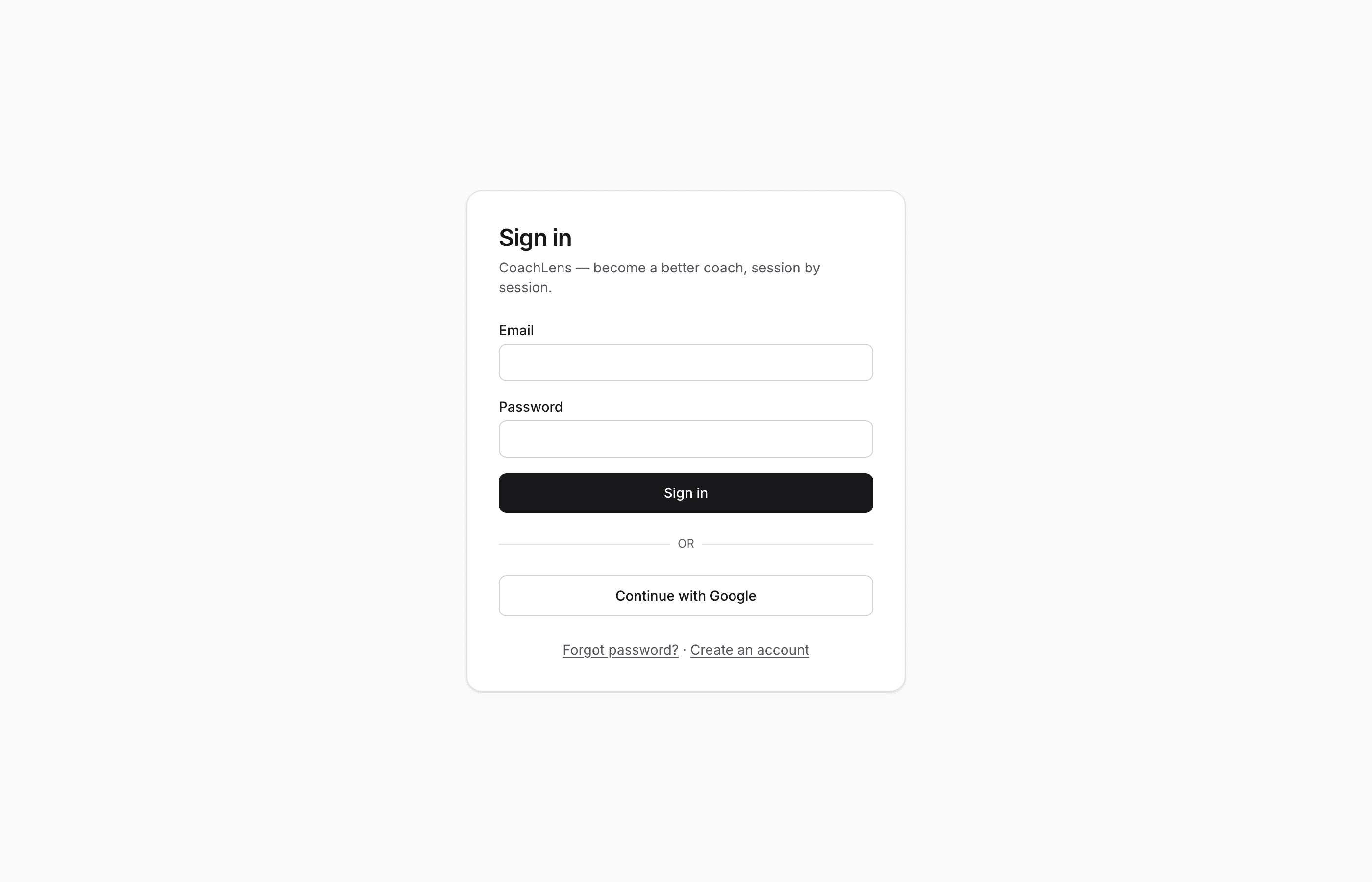
Every visit after the first starts here. Forgot password is on this page too.