Help · Guide 3 of 20
Add your first coachee
CoachLens needs to know who you're coaching before it can evaluate a session. This takes about a minute per person.
- About 2 minutes
- Do this before your first session
Open Clients
Click Clients in the sidebar. On day one this page holds nothing but the Add client card, which is what you want.
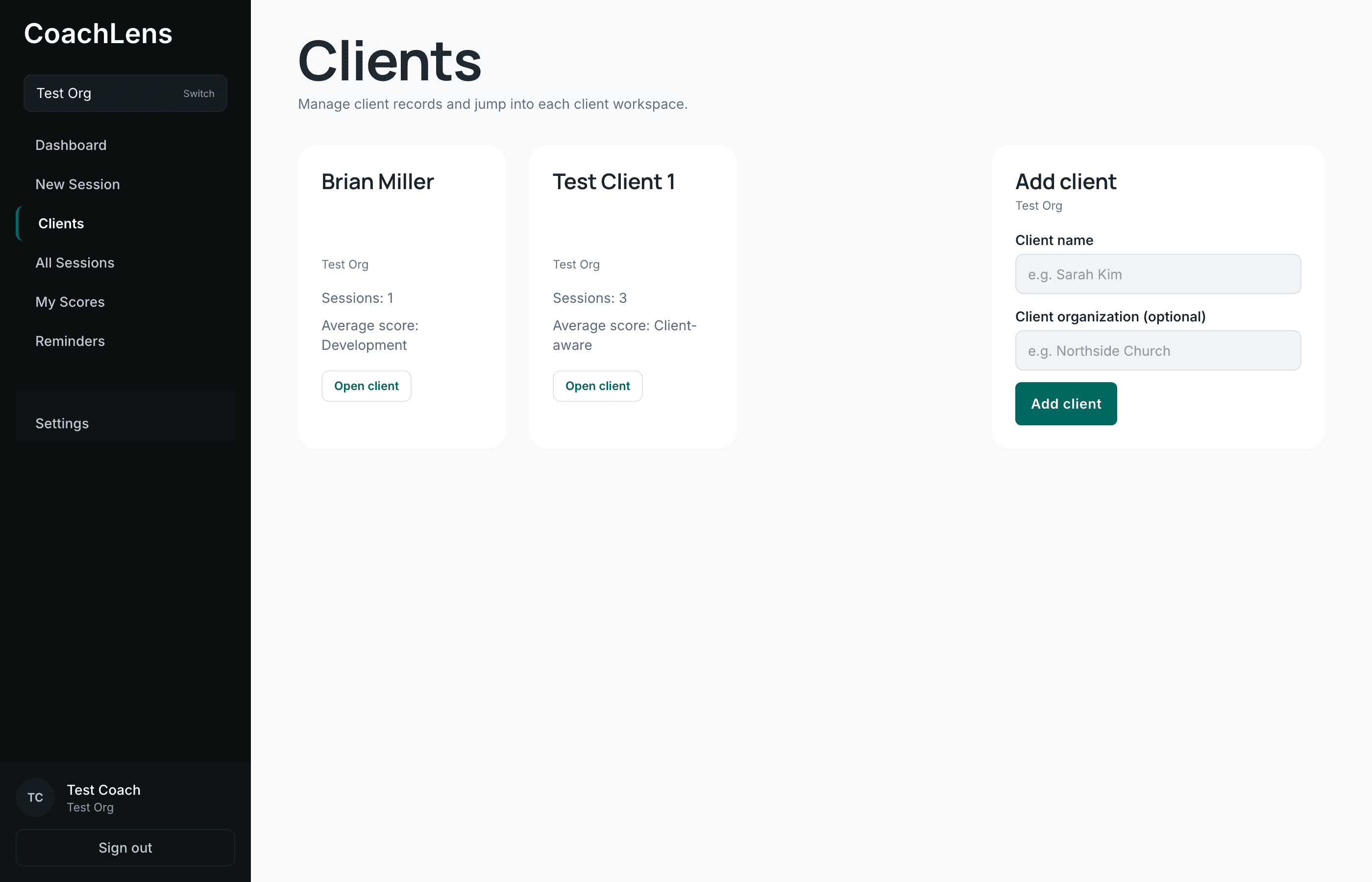
Each coachee becomes a card. The Add client form always sits at the end. Fill in two fields
Client name is the person you're coaching.
Client organization is optional, and it means their church or organization — not yours. It's worth filling in: it's what tells two people with similar names apart later, and it shows up when you report on the session.
Click Add client and they appear immediately.
Open their page
Click Open client on their card. This is where everything about that person collects — their sessions, the summary of your last conversation, their goals and action items, and an AI assistant that has read your sessions with them.
It'll be empty until you run a session, which is the next guide.
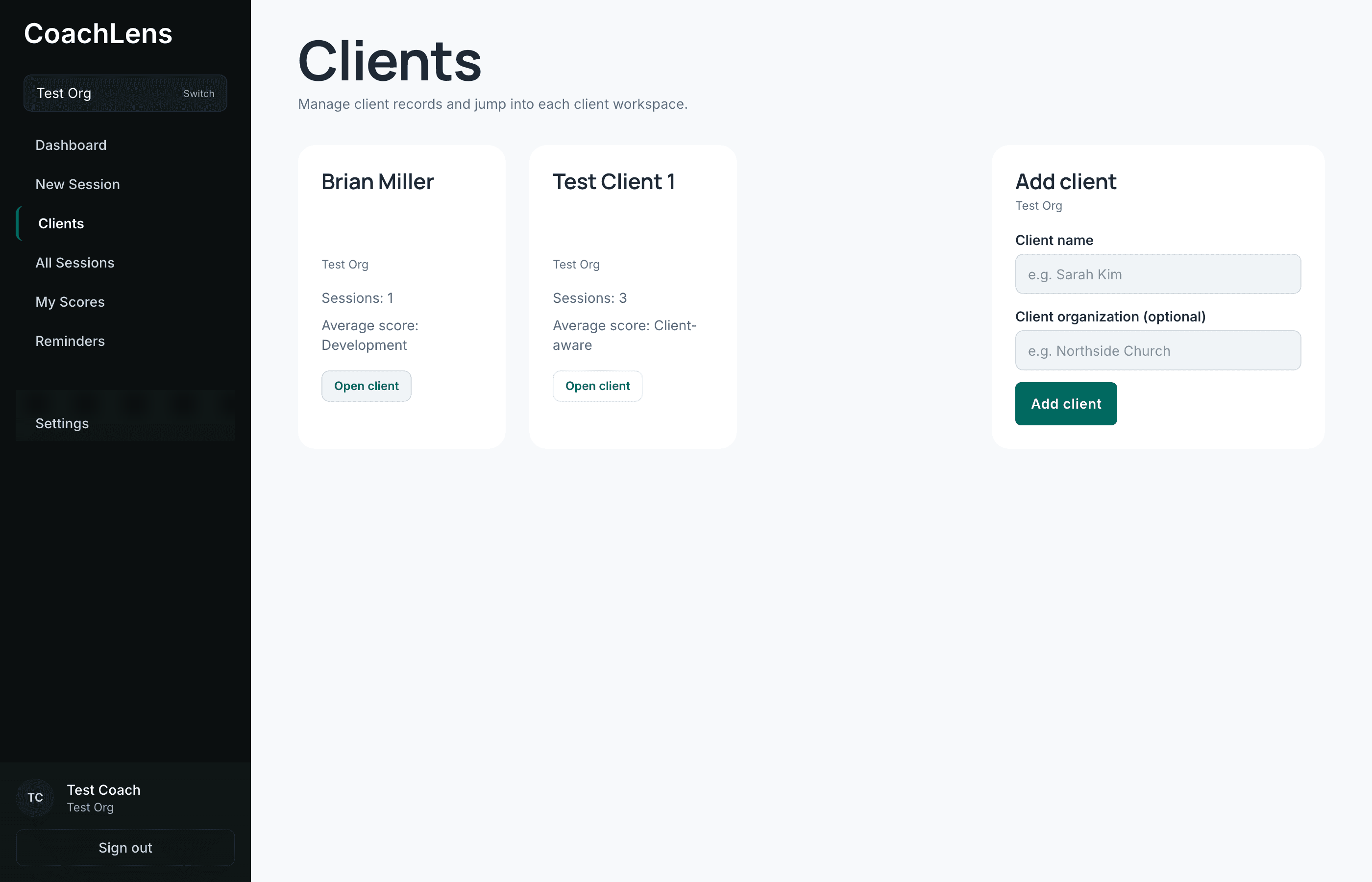
Everything about one person lives behind these tabs.