Help · Guide 14 of 20
Goals and action items
Where coaching turns into something that happens between sessions. Two tabs that work quite differently — worth knowing which is which.
- About 3 minutes
- On your coachee's page
Goals are your coachee's, and read-only for you
The Goals tab shows what your coachee has recorded in their portal. You can read them; you don't edit them here.
That's deliberate — a goal someone else wrote for you isn't a goal. If your coachee isn't in the portal, this tab stays empty, and that's expected rather than broken.
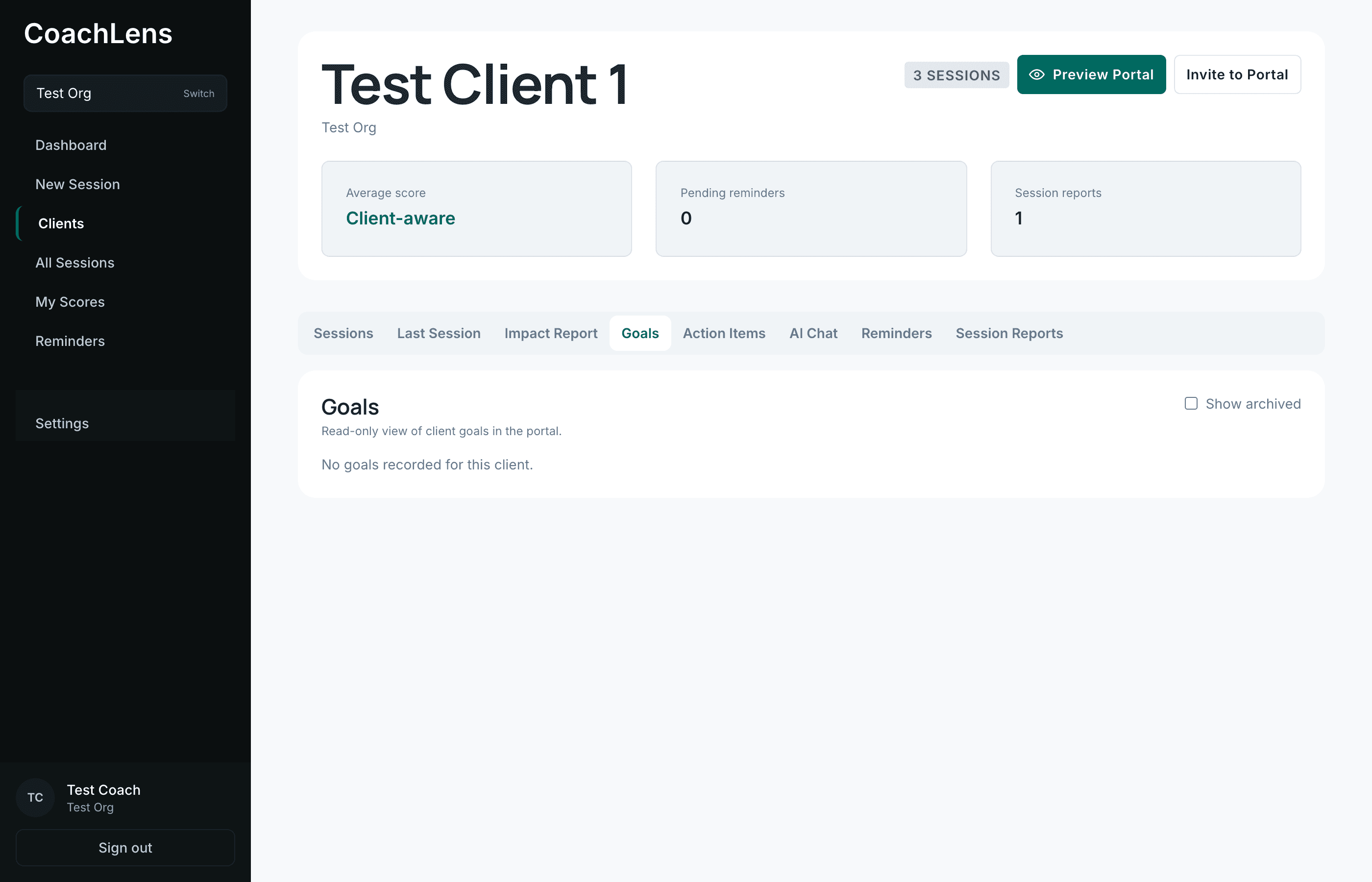
A read-only window onto what they set for themselves. Show archived reveals goals they've closed out. Action items are shared ground
Commitments, from two sources: CoachLens pulls them out of the session automatically when it evaluates a transcript, and you add your own with Add Item.
A counter shows total and completed, and you can filter to All, Open or Completed.
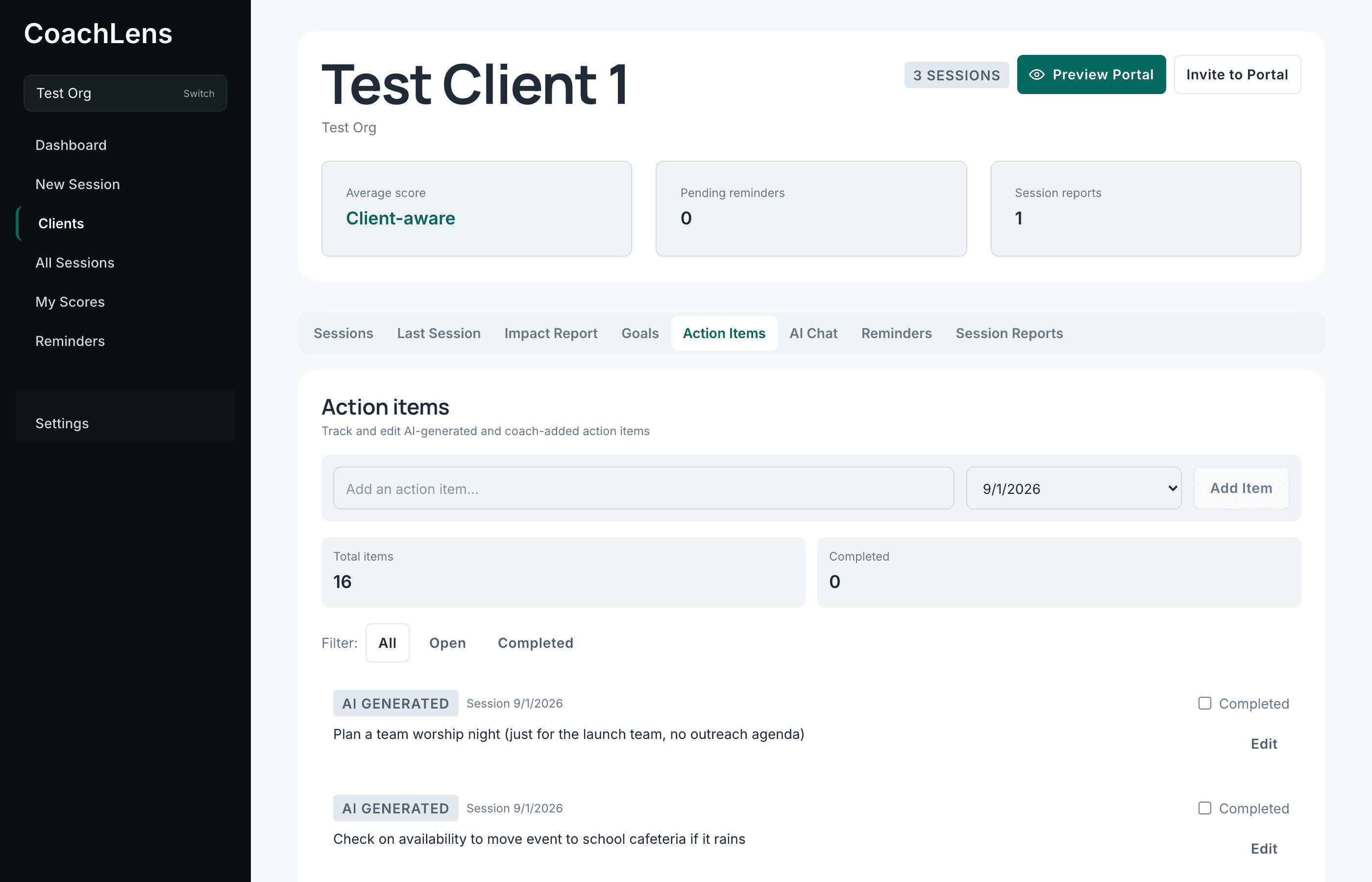
AI-generated and coach-added items sit in one list. They tick them off themselves
If your coachee is in the portal, they complete their own action items and you see it here without having to ask.
That small thing changes how the next session opens. Instead of "so, did you manage to…", you already know, and you can start from what actually moved.
What happens when you report a session
Action items are captured into a session report as they stood at the moment you submitted it. Later edits — yours or your coachee's — don't rewrite a report that's already gone.