Help · Guide 16 of 20
Reminders
The simplest thing in CoachLens, and the one most likely to change how your coachees experience you.
- About 2 minutes
- Thirty seconds per session
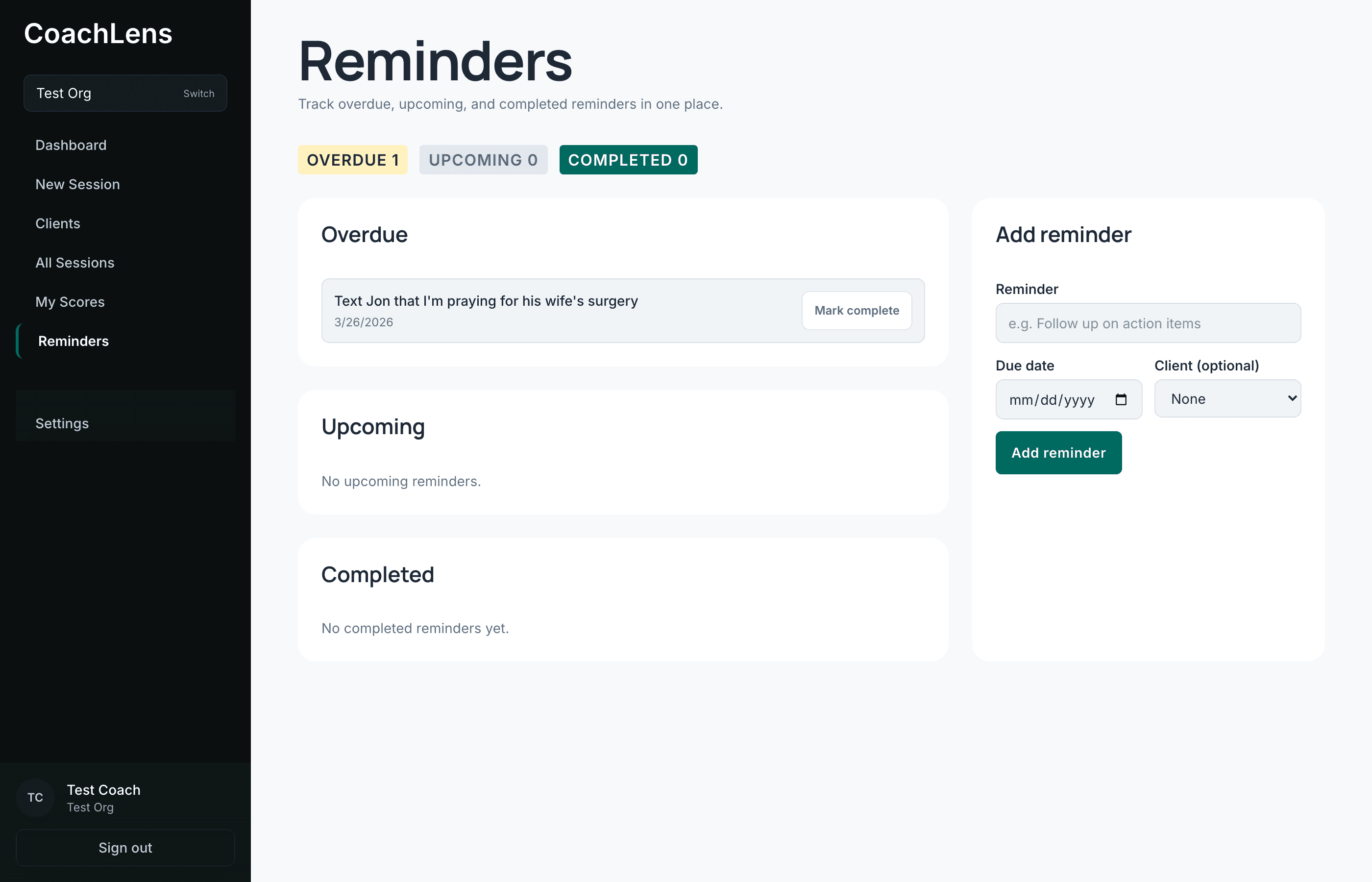
Three groups
Overdue, Upcoming, Completed. That's the whole structure.
Anything overdue also appears on your dashboard, so you see it when you sign in without having to come looking.
Adding one
The form takes the reminder itself, a due date, and optionally which coachee it belongs to. Attach it to a person and it also shows on their page, under their own Reminders tab.
Useful ones look like: "Send Sarah the article on delegation." "Check whether the elder conversation happened." "Book the next session."
The habit is the feature
The interface here explains itself. The discipline doesn't.
At the end of every session, before you close the tab, enter the one thing you said you'd do. Thirty seconds. Over a season it's the difference between a coach people trust to follow through and a coach people have to chase.