Help · Guide 18 of 20
The org dashboard
Your view of coaching across the organization. If you're a coach without an admin role, you won't have this page and don't need it.
- About 3 minutes
- Administrators only
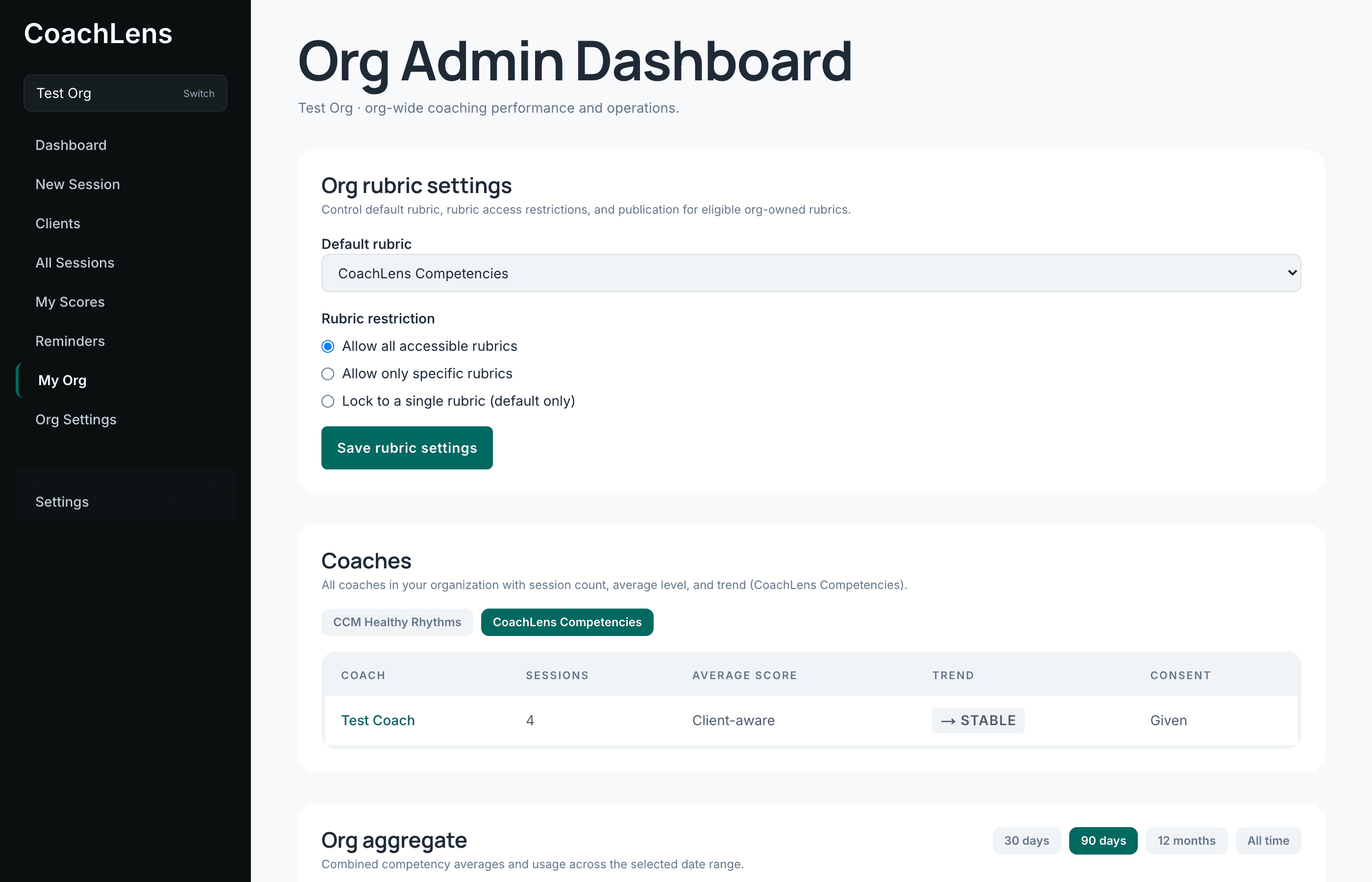
Coaches
Everyone in your organization, with how many sessions they've run, their average level and their trend. Click a name for that coach's detail.
Read this for engagement before you read it for performance. A coach who has stopped uploading is telling you something a competency average can't.
Org aggregate
Combined competency averages and usage across a date range you choose.
This is your cohort-level picture, and its best use is planning: where the group is strong, where it isn't, and what your next training day should probably be about. A competency that's low across fifteen coaches is a curriculum question, not fifteen individual conversations.
Submitted session reports
Everything your coaches have sent in, each with a PDF. Covered properly in guide 20.
The boundary — and please repeat it
You cannot see your coaches' session transcripts. You cannot see their private coaching notes. You see that they coached, their competency levels, and the reports they chose to submit.