Help · Guide 8 of 20
Your coachee's page
Everything about one person, on one page. This is where you'll spend more time than anywhere else in CoachLens.
- About 4 minutes
- Clients → Open client
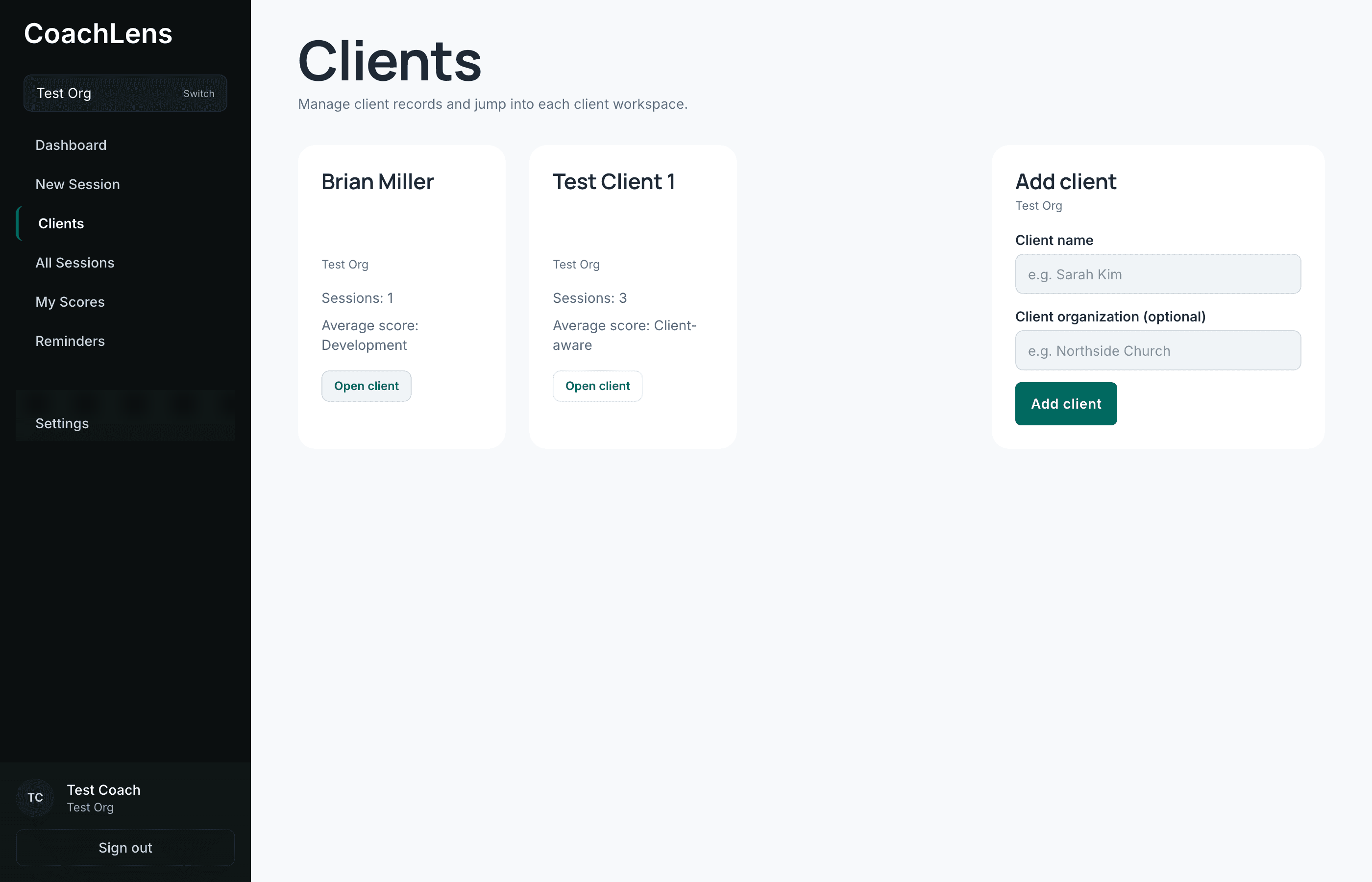
The top of the page
Their name, their organization, and how many sessions you've run together. Three cards summarize the relationship: their average score, any reminders you've set, and how many session reports you've submitted about them.
Two buttons sit up here as well — Preview Portal and Invite to Portal. Both are covered in their own guide.
Sessions
Every session with this person: the date, the focus, whether it's visible in their portal, the average score, and a link into each evaluation.
The Portal column is worth noticing — it tells you at a glance which conversations your coachee can see and which you've hidden.
Last Session — the one to build a habit around
A prep snapshot of your most recent conversation: the key themes pulled out as tags, and a narrative of what happened.
Open this two minutes before every call. It is the single highest-value thing on this page, and the one most coaches forget exists.
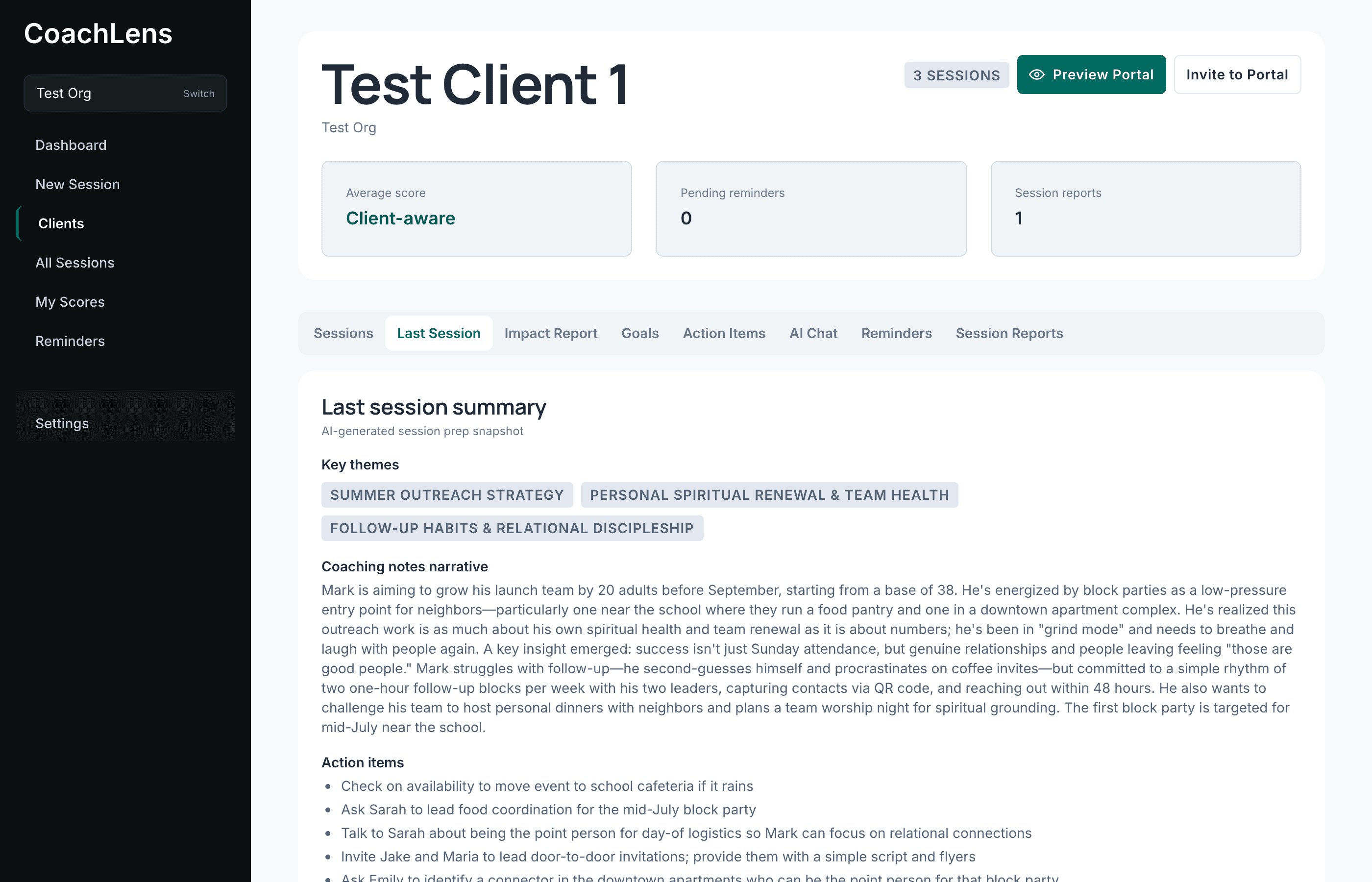
Themes first, then the narrative. Faster than re-reading a transcript. The rest of the tabs
- Impact Report — a summary of the whole relationship over time.
- Goals — what they're working toward, as recorded in their portal.
- Action Items — commitments, both AI-generated and your own.
- AI Chat — an assistant that has read your sessions with this person.
- Reminders — follow-ups attached to them specifically.
- Session Reports — what you've sent to your organization about them.
Each of those has its own guide. If you only change one habit after reading this one, make it Last Session before every call.